Specialist
support
Extend your CAD expertise.
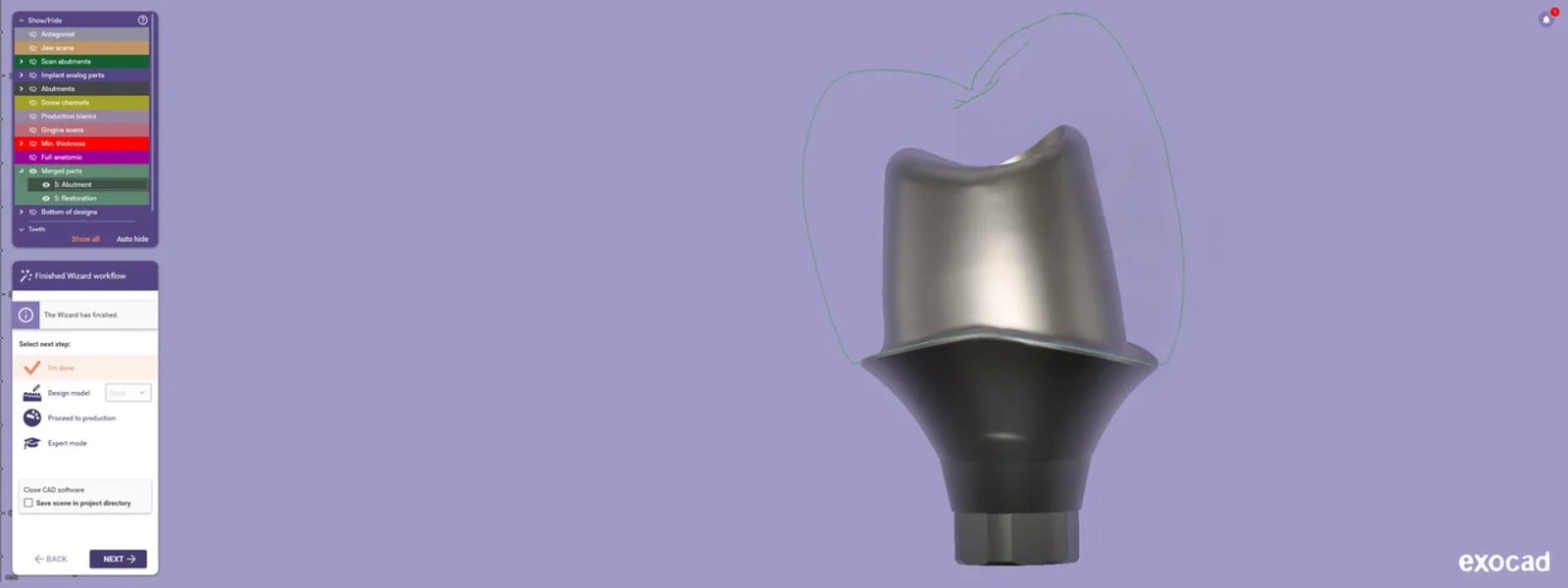
Extend your implant CAD design capacity with custom abutment designs matched to your implant systems, restorative requirements, and manufacturing workflow. Choose CAD-only delivery or optional fabrication.
✅ 12–24h Standard · 2–6h Rush
✅ Abutment-Only or Abutment + Crown Design
✅ Implant Platform, Scan Body & Library Checks
✅ Independent QC Review Before Delivery
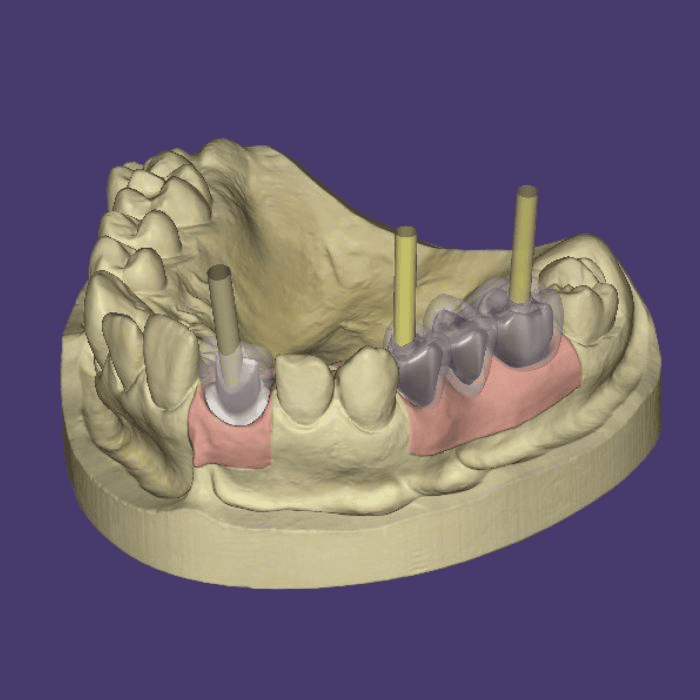
Raytops provides custom abutment CAD design outsourcing for dental labs that need additional implant design capacity while maintaining their existing restorative and manufacturing workflows.
Services include standalone custom abutment design and coordinated abutment-and-crown design. Each case is developed around the confirmed implant system, component specifications, restorative requirements, and lab-specific design preferences. Designs undergo a separate QC review before delivery.
Labs can receive the required CAD files for their own manufacturing workflow or choose combined design and fabrication services when needed.
WHAT THIS MEANS FOR YOUR LAB
Extend your CAD expertise.
Support your design workload.
Match outsourcing to demand.
Add capacity, not headcount.
START WITH ONE CASE
Let’s agree on scope, turnaround and pricing before your trial.
FROM OUR CAD TEAM
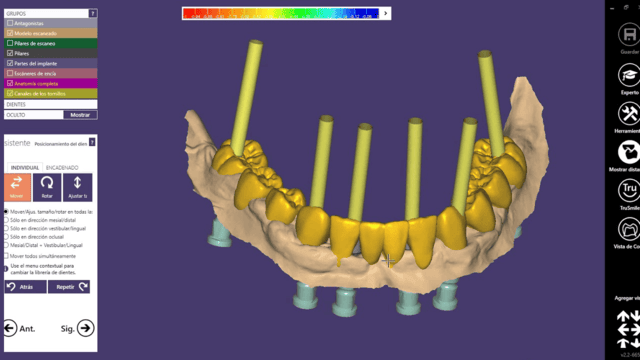
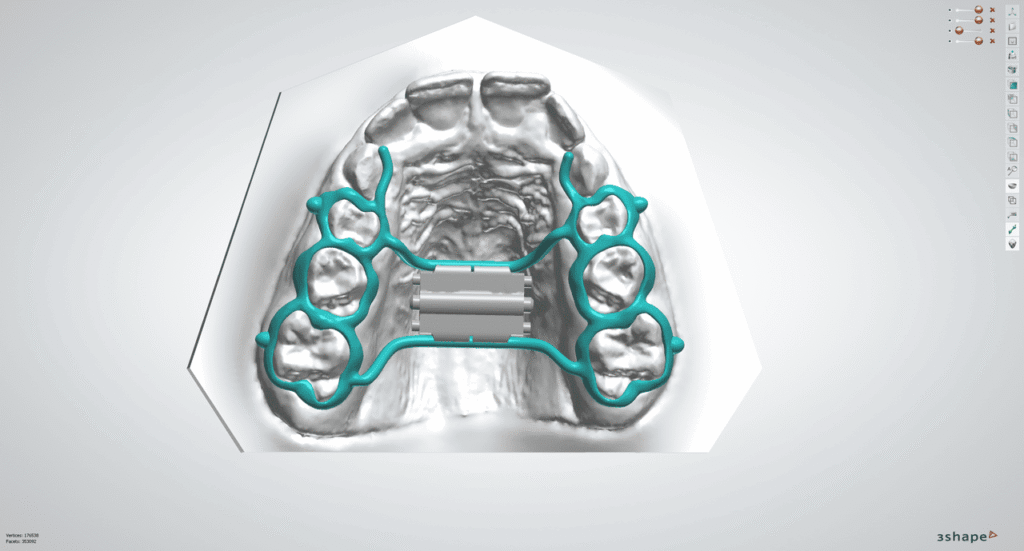
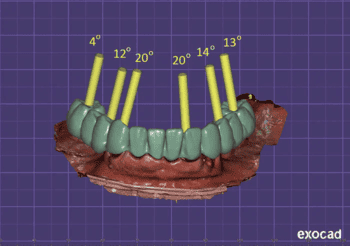
Explore a selection of dental CAD designs, from individual restorations to full-arch work. Click any image to view the design in detail.
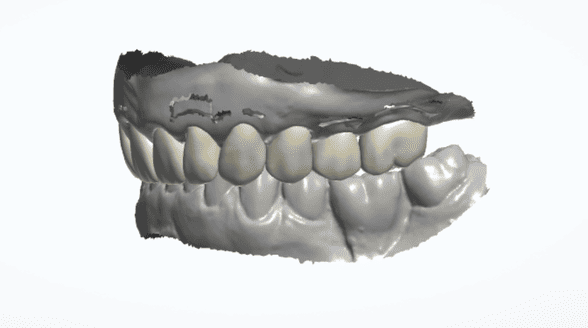
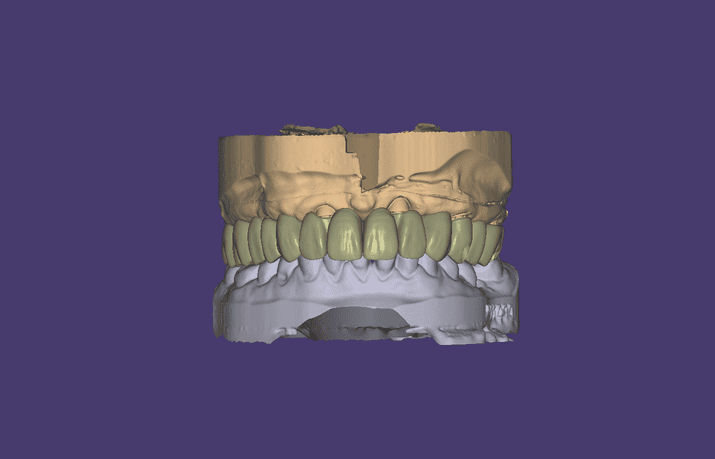
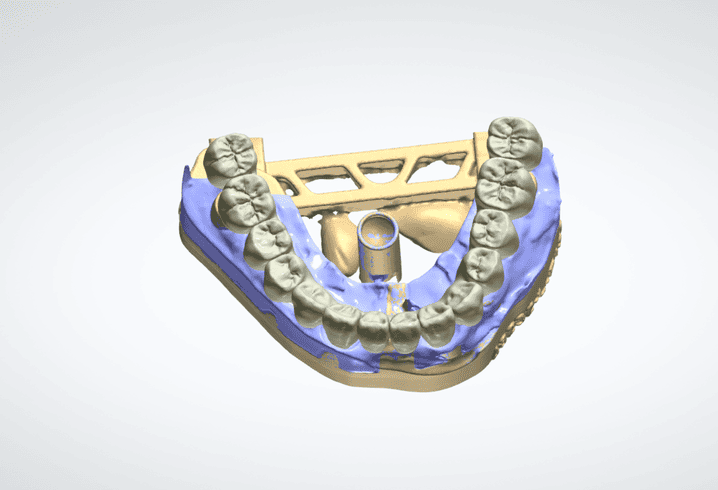
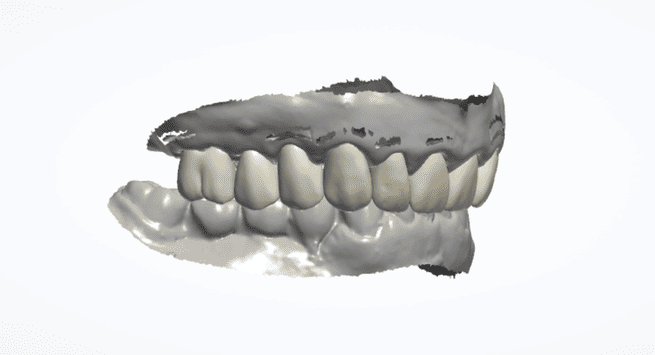
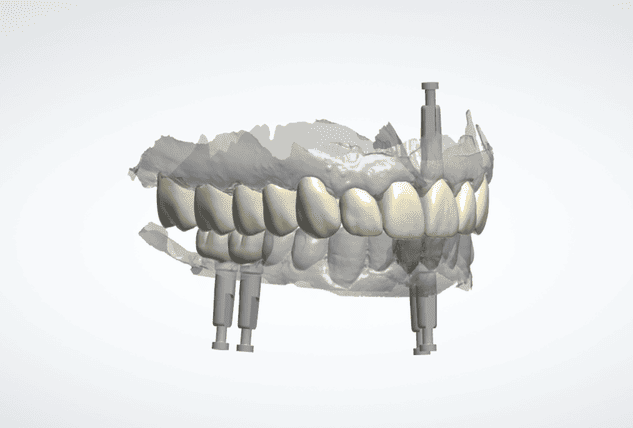
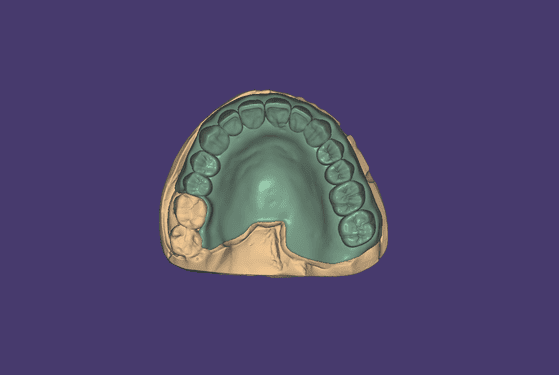
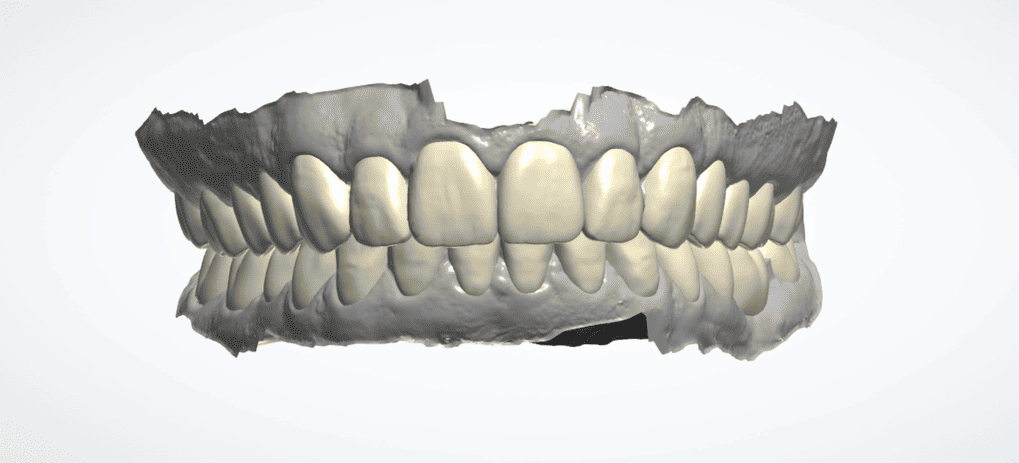
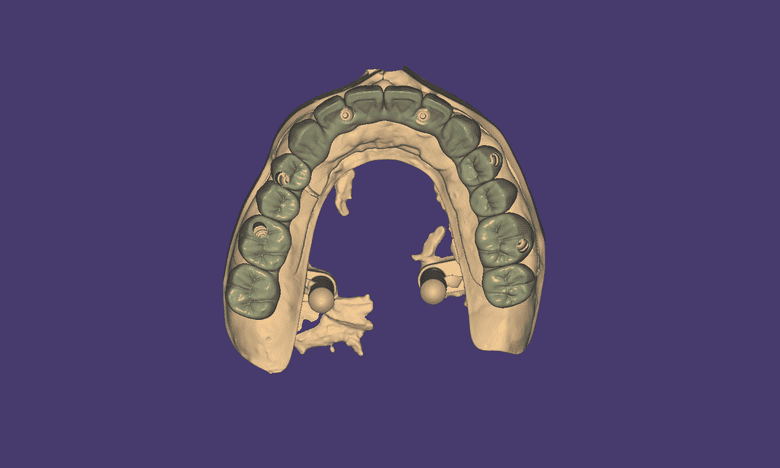
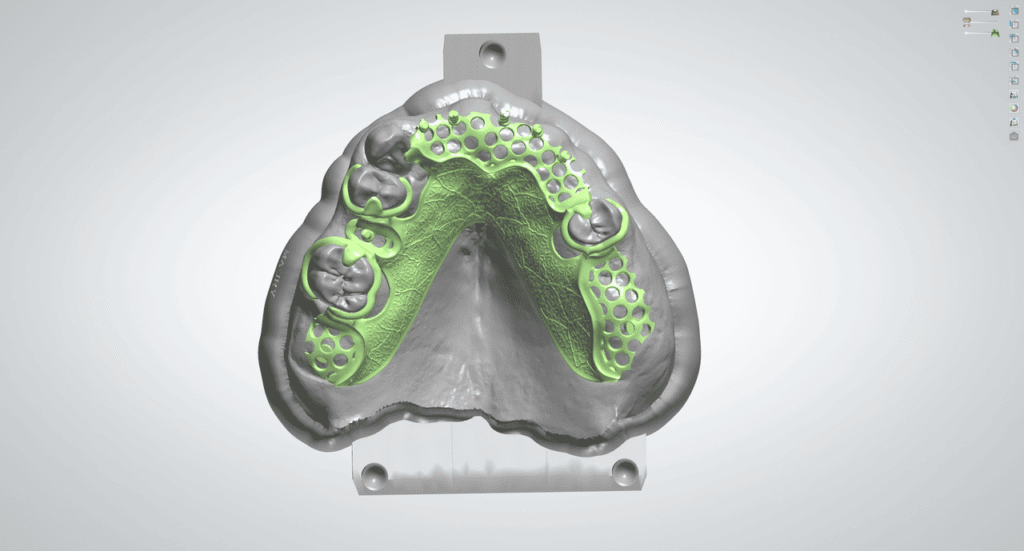
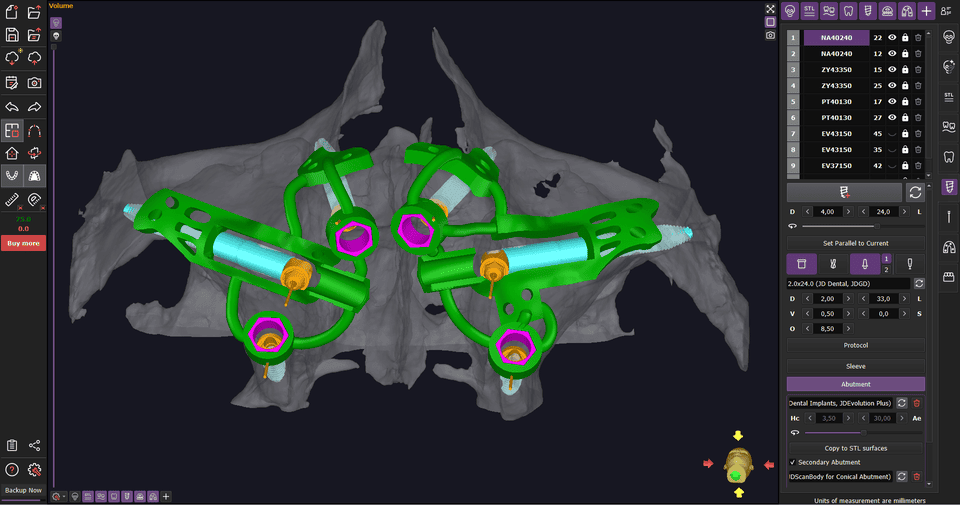
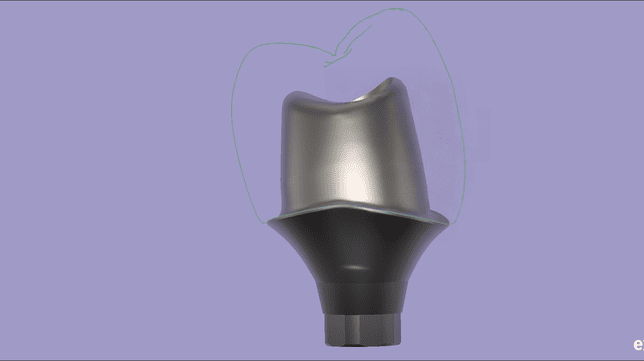
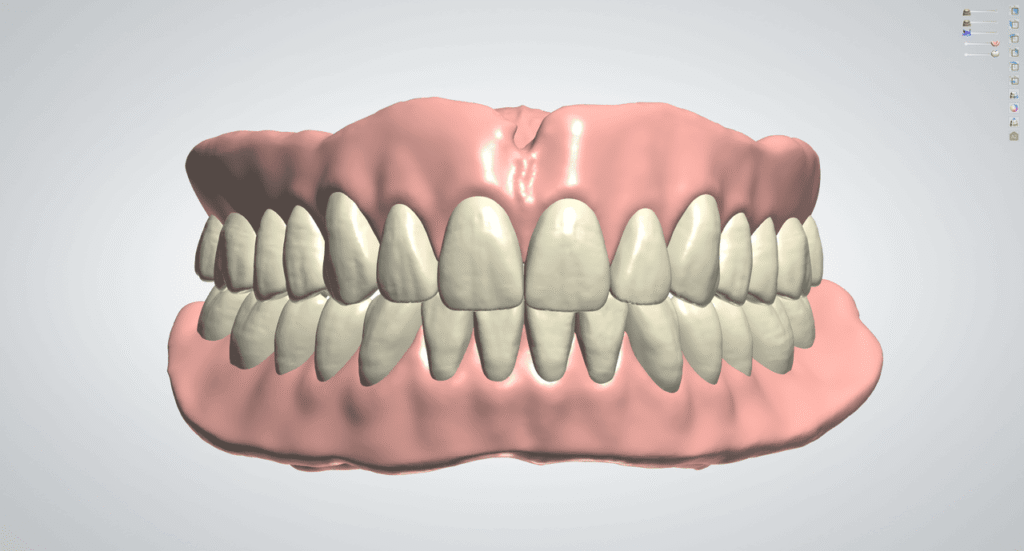
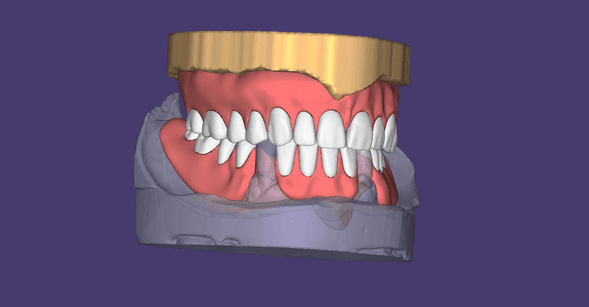
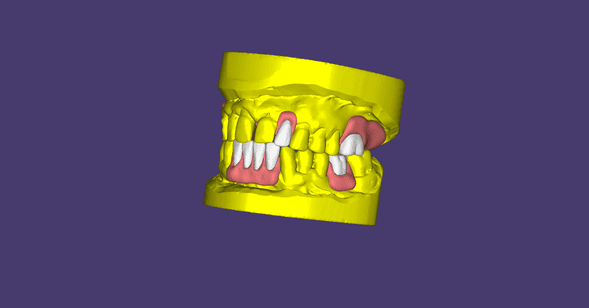
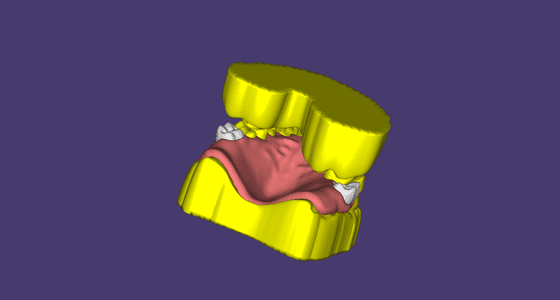
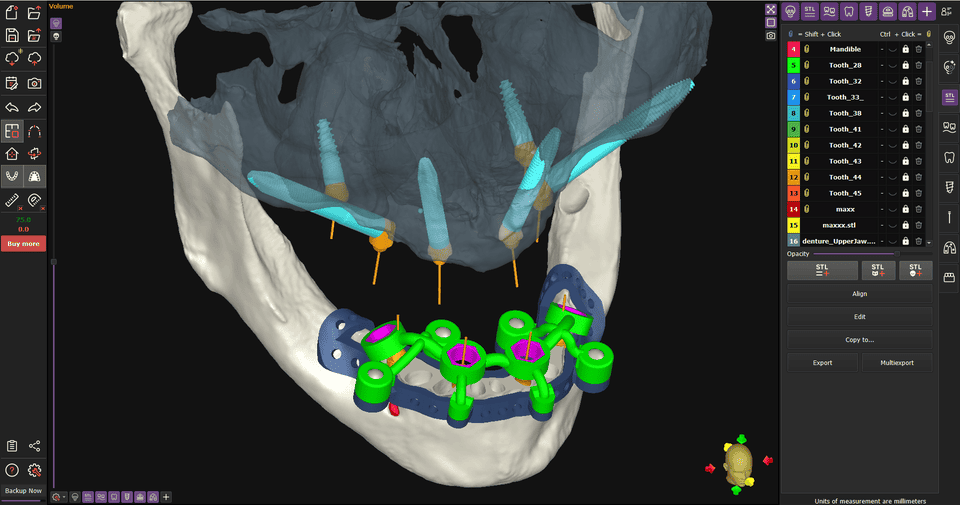
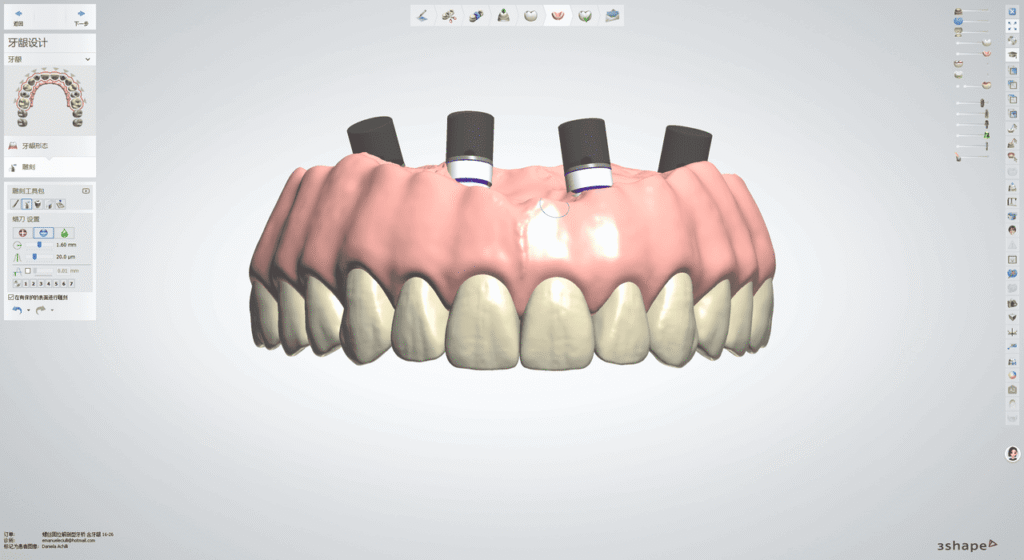
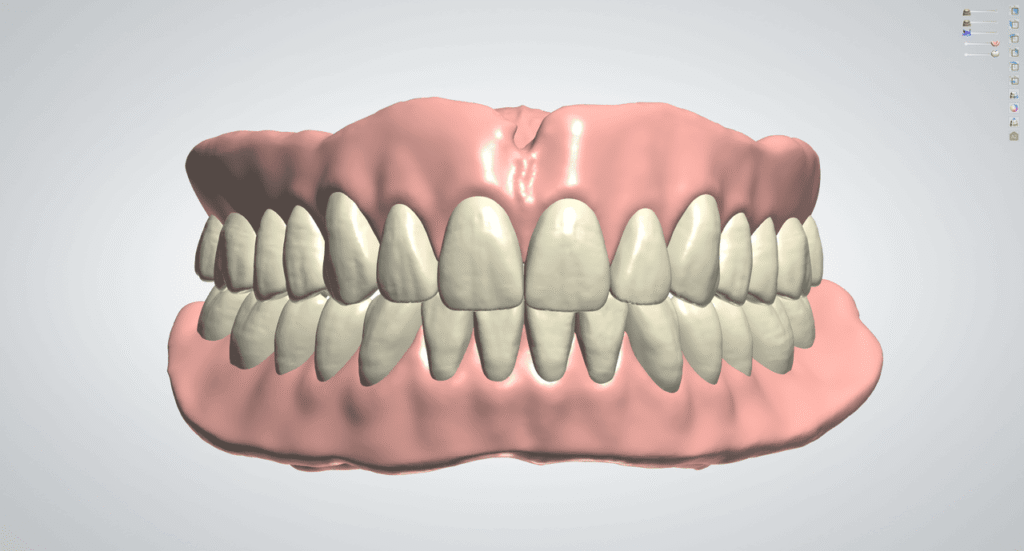
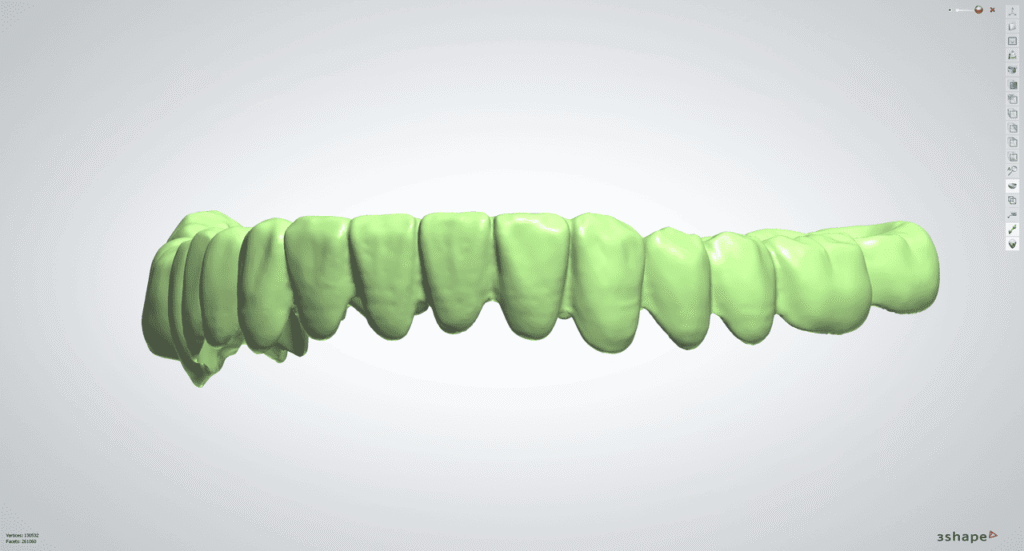
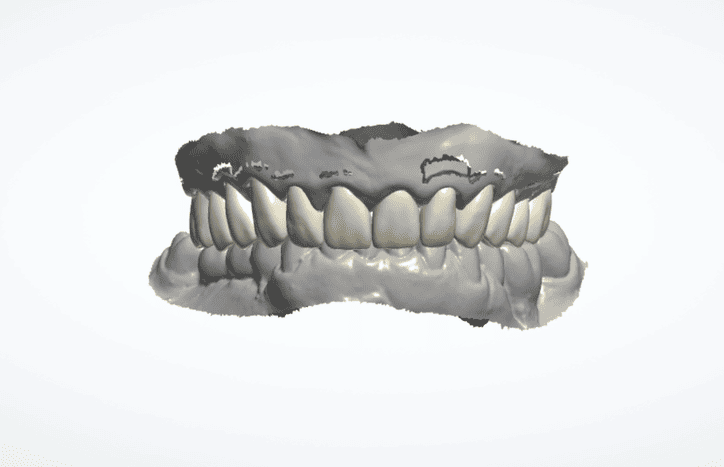
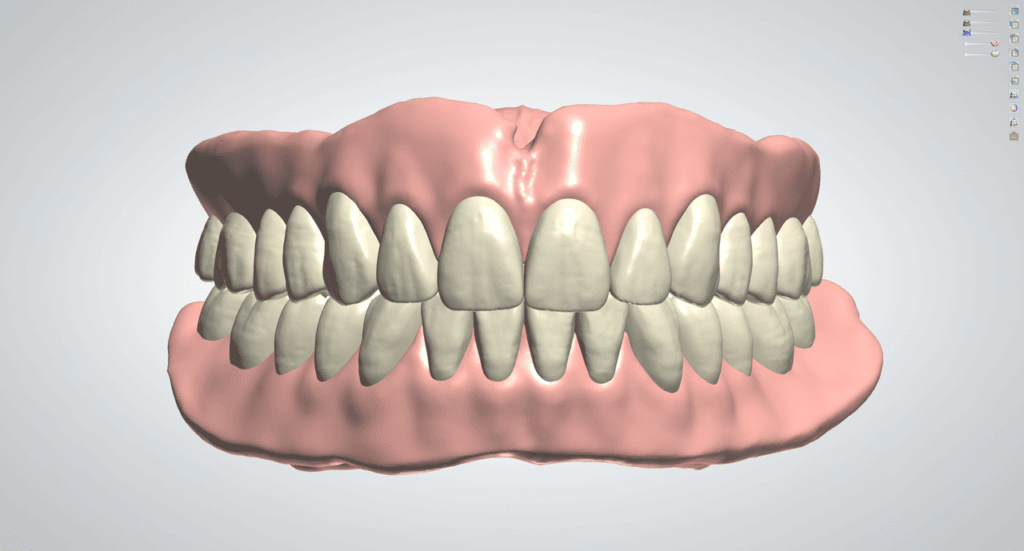
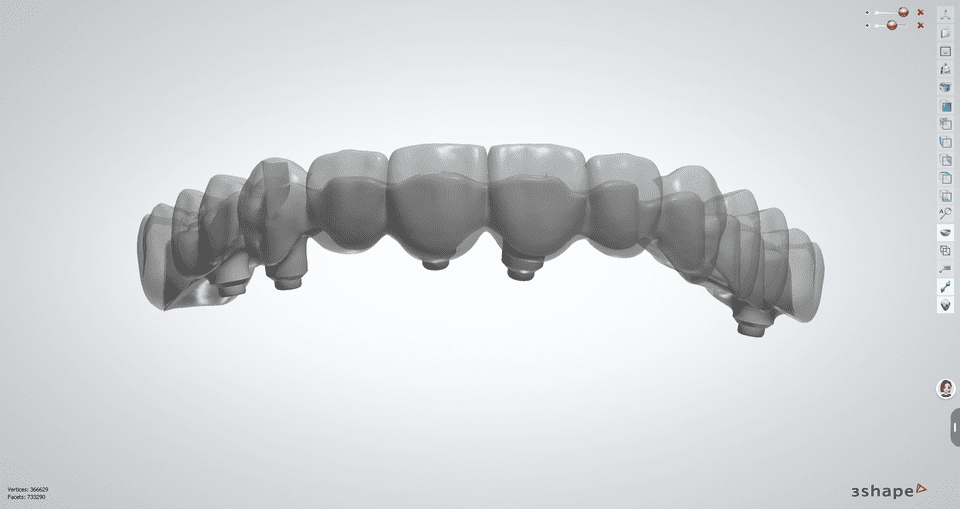
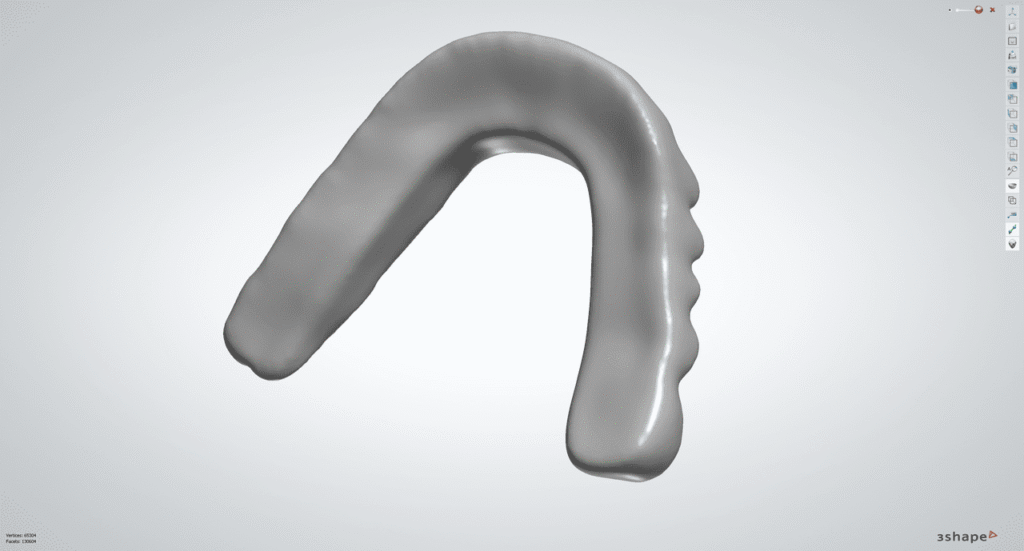
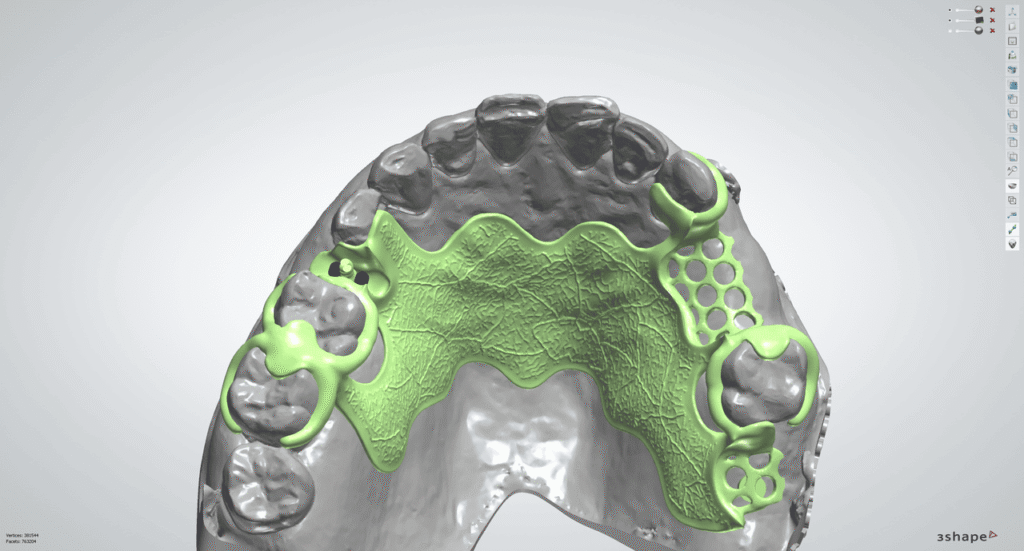
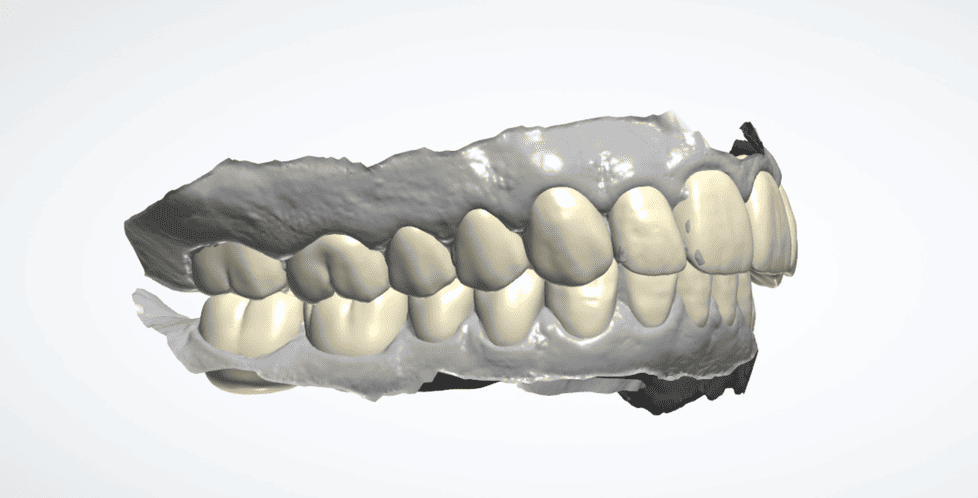
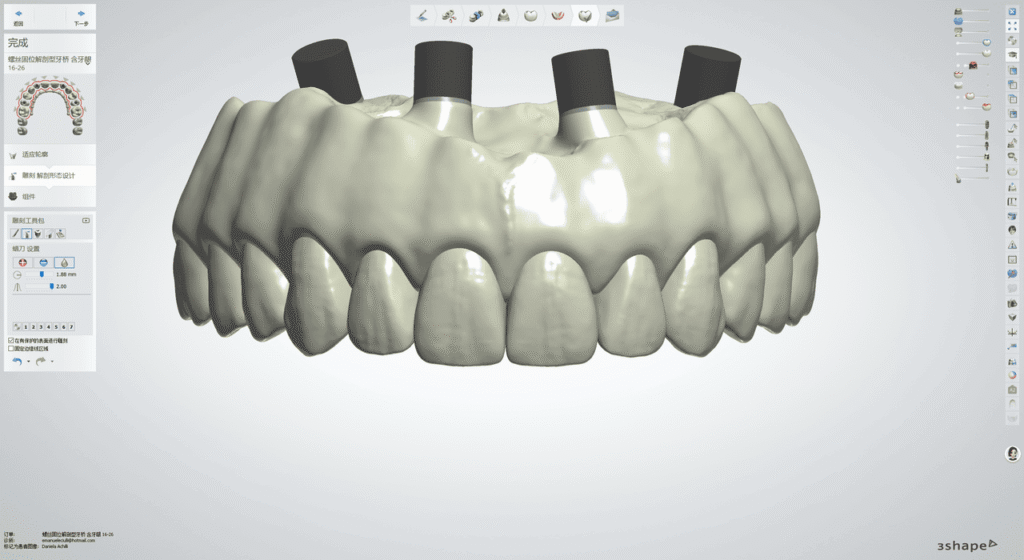
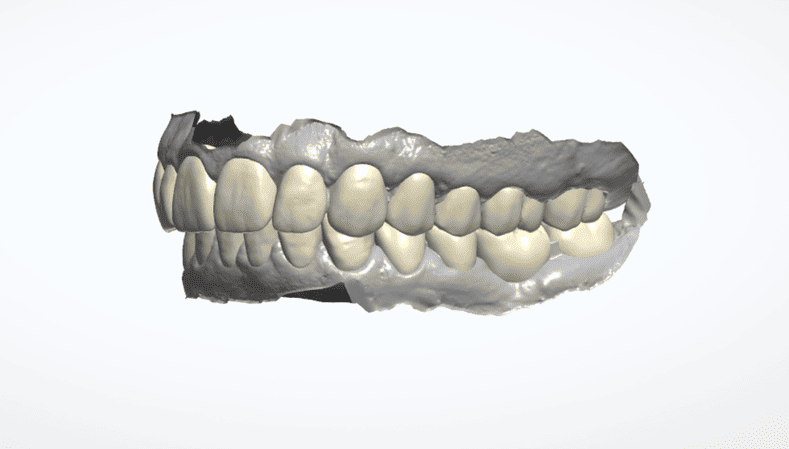
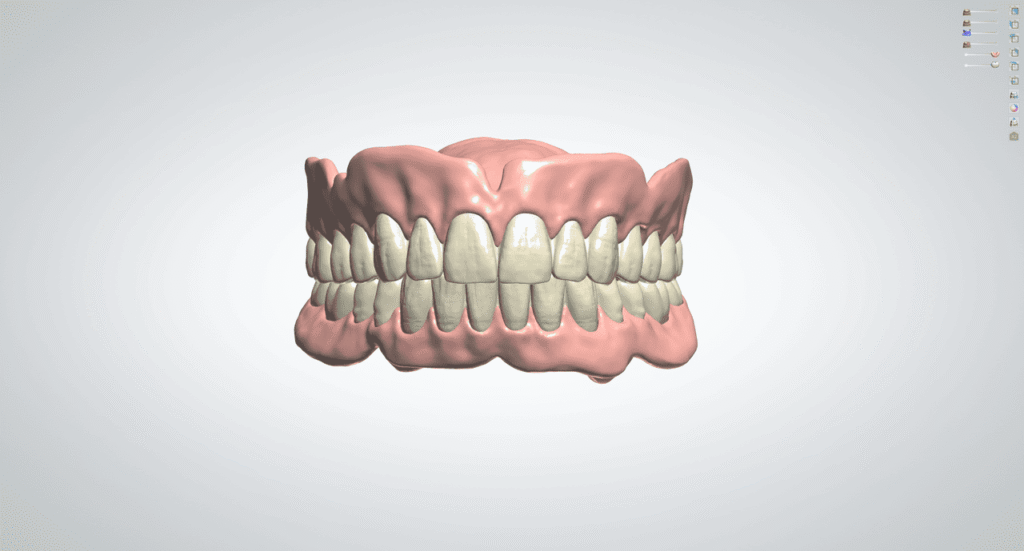
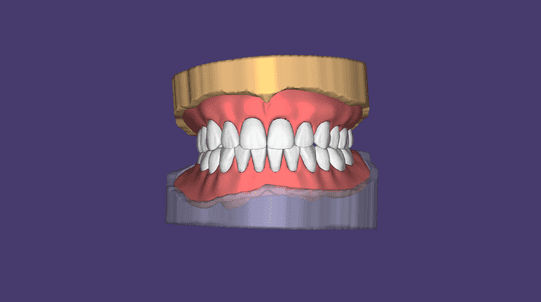
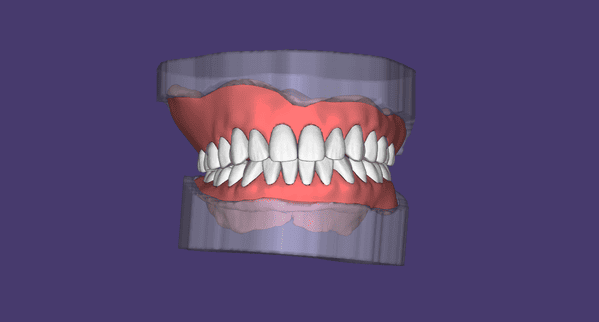
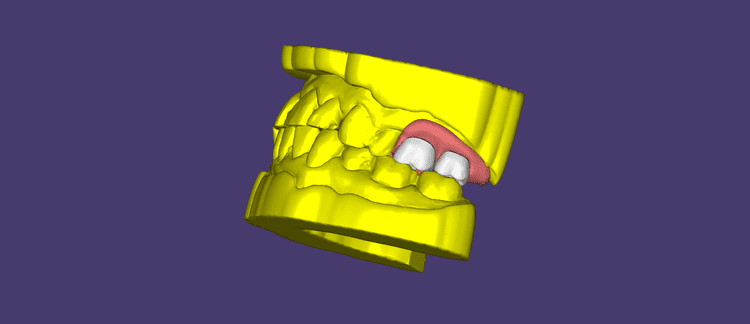
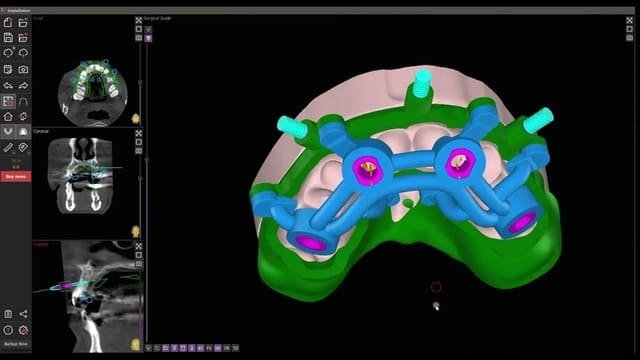
Custom abutment cases require accurate implant component matching, restoration-specific design decisions, and careful manufacturing handoff. Outsourcing should free up internal CAD capacity without replacing design work with more clarification, supervision, and revision management.
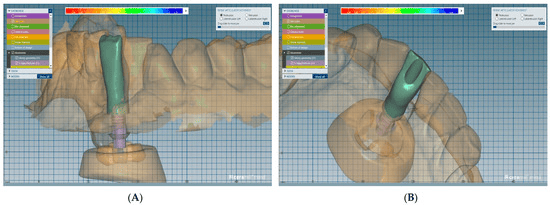
Custom abutment cases can interrupt routine CAD work when they require additional implant verification, restorative adjustments, or coordination. External design support allows these cases to move forward without expanding the in-house team or disrupting the lab’s existing workflow.
Custom abutment CAD work can consume valuable internal design time. Outsourcing selected cases keeps experienced technicians available for complex restorations, urgent requests, and work that requires direct in-house attention.
The lab defines the restorative requirements and approval preferences. Routine designs follow confirmed instructions, while decisions affecting the restoration, components, or manufacturing conditions are referred back for confirmation.
With over 60 designers, Raytops can coordinate additional CAD capacity as order volumes increase. Recurring workloads and delivery schedules can be arranged in advance without requiring the lab to increase permanent staffing.
Customer-specific design preferences are recorded and shared among designers. A separate QC review checks each design against the confirmed Rx before delivery, helping identify discrepancies and reduce repeated corrections.
Design files are prepared around the agreed implant components and manufacturing requirements. The lab receives the required STL, native CAD project, and supporting files for the intended workflow, reducing unnecessary handoff and rework.
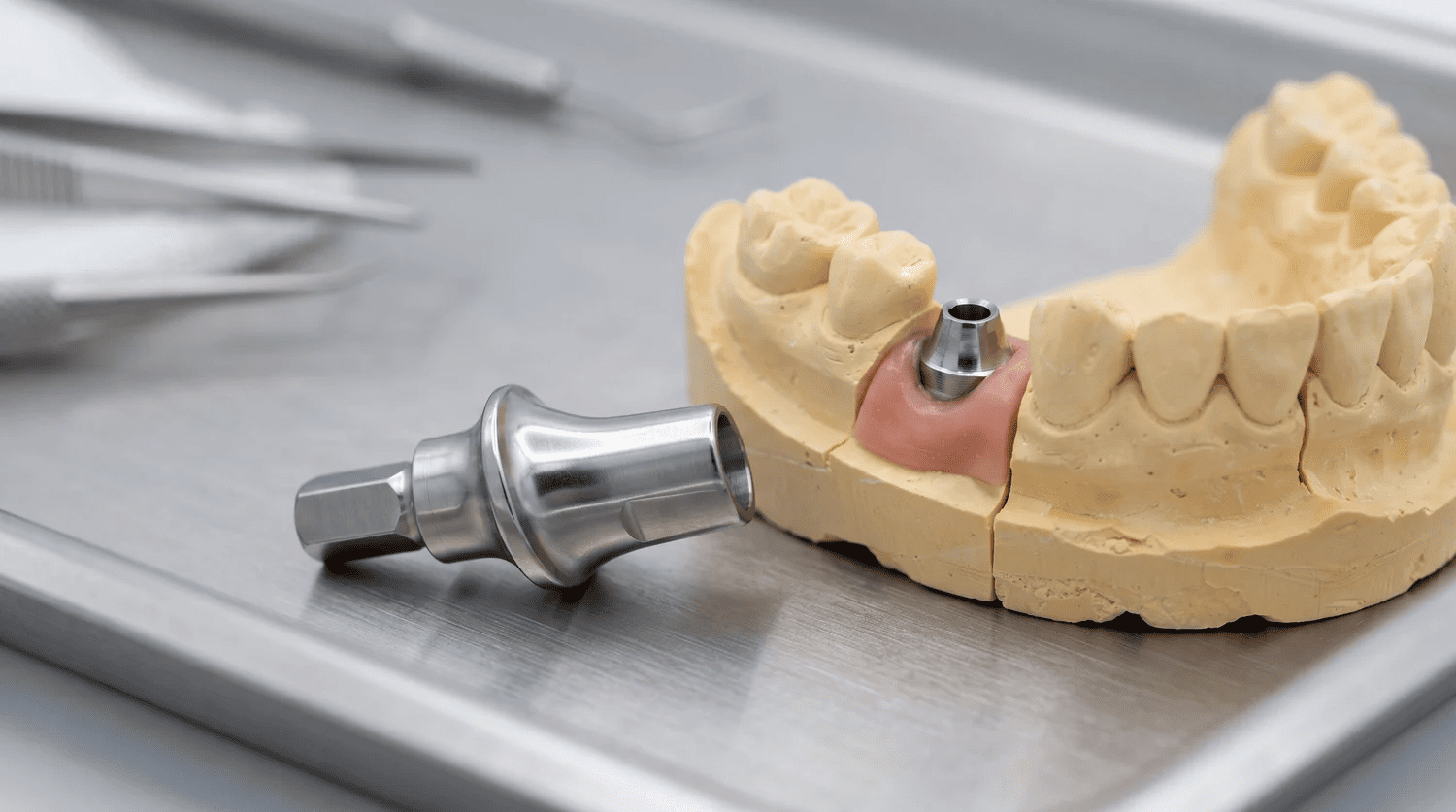
Send your case scans, implant and component information, restorative instructions, and manufacturing requirements. Raytops checks compatibility, completes the custom abutment CAD design, manages review and revisions, and delivers the finalized files for your workflow.
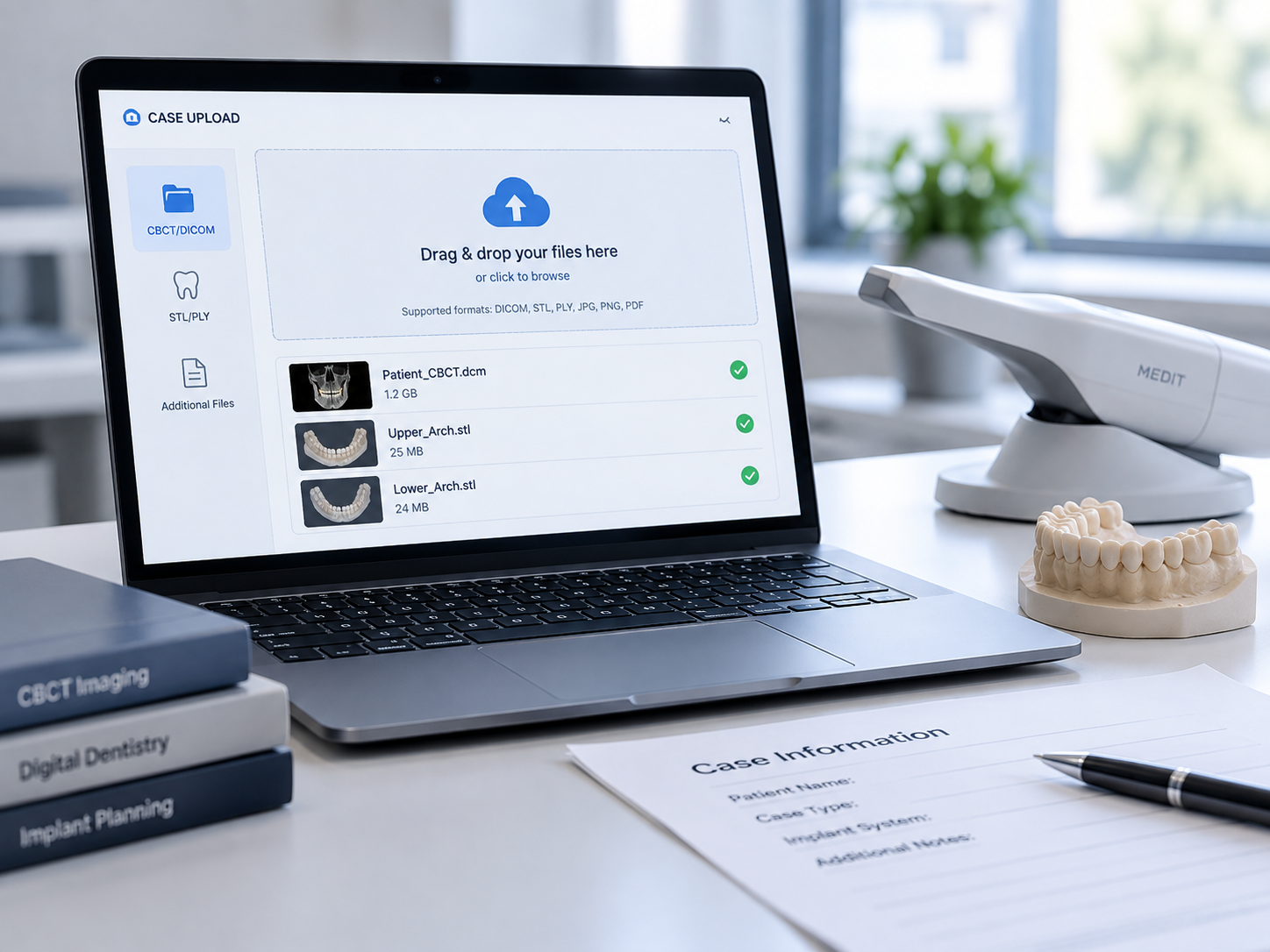
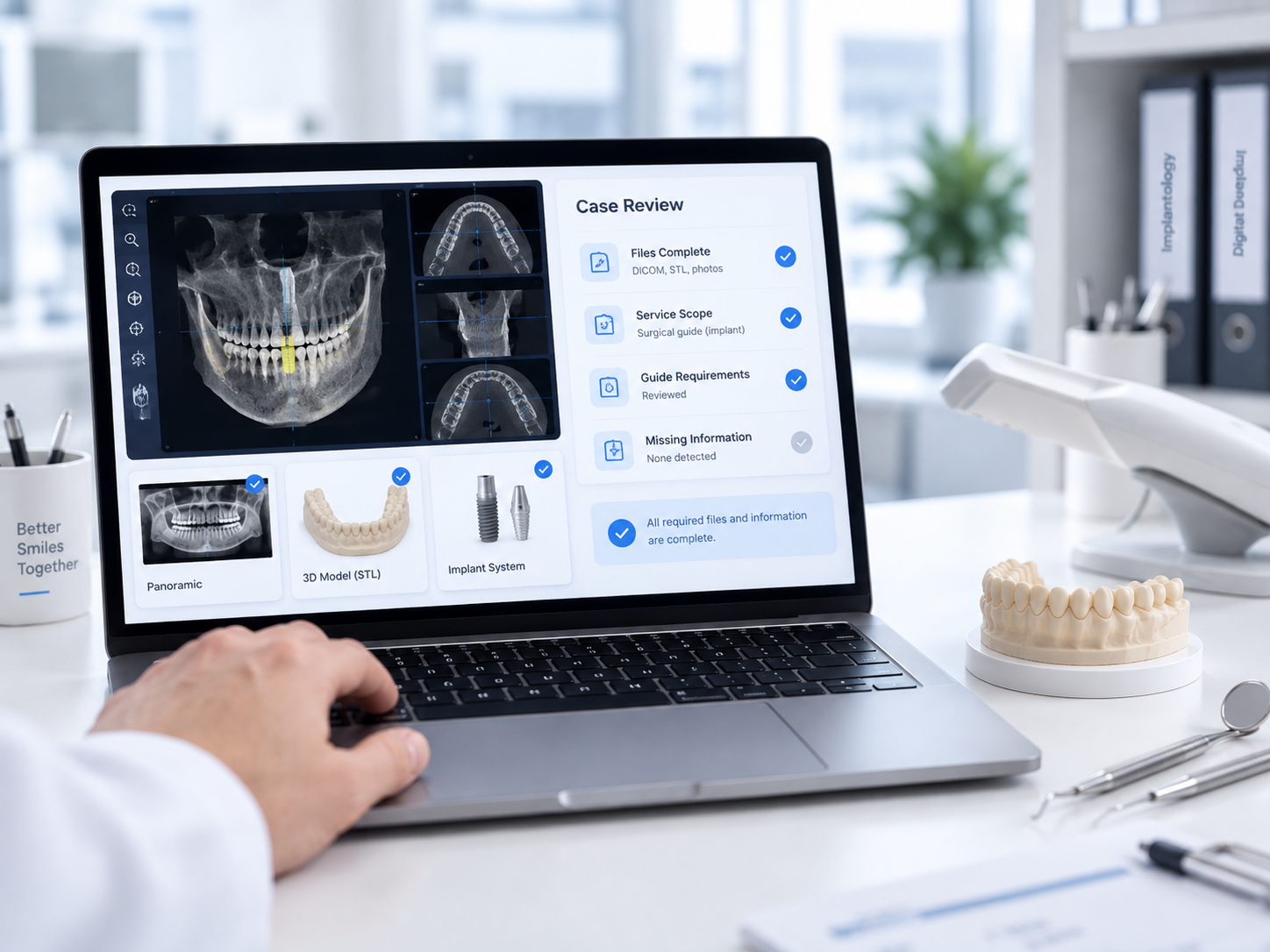
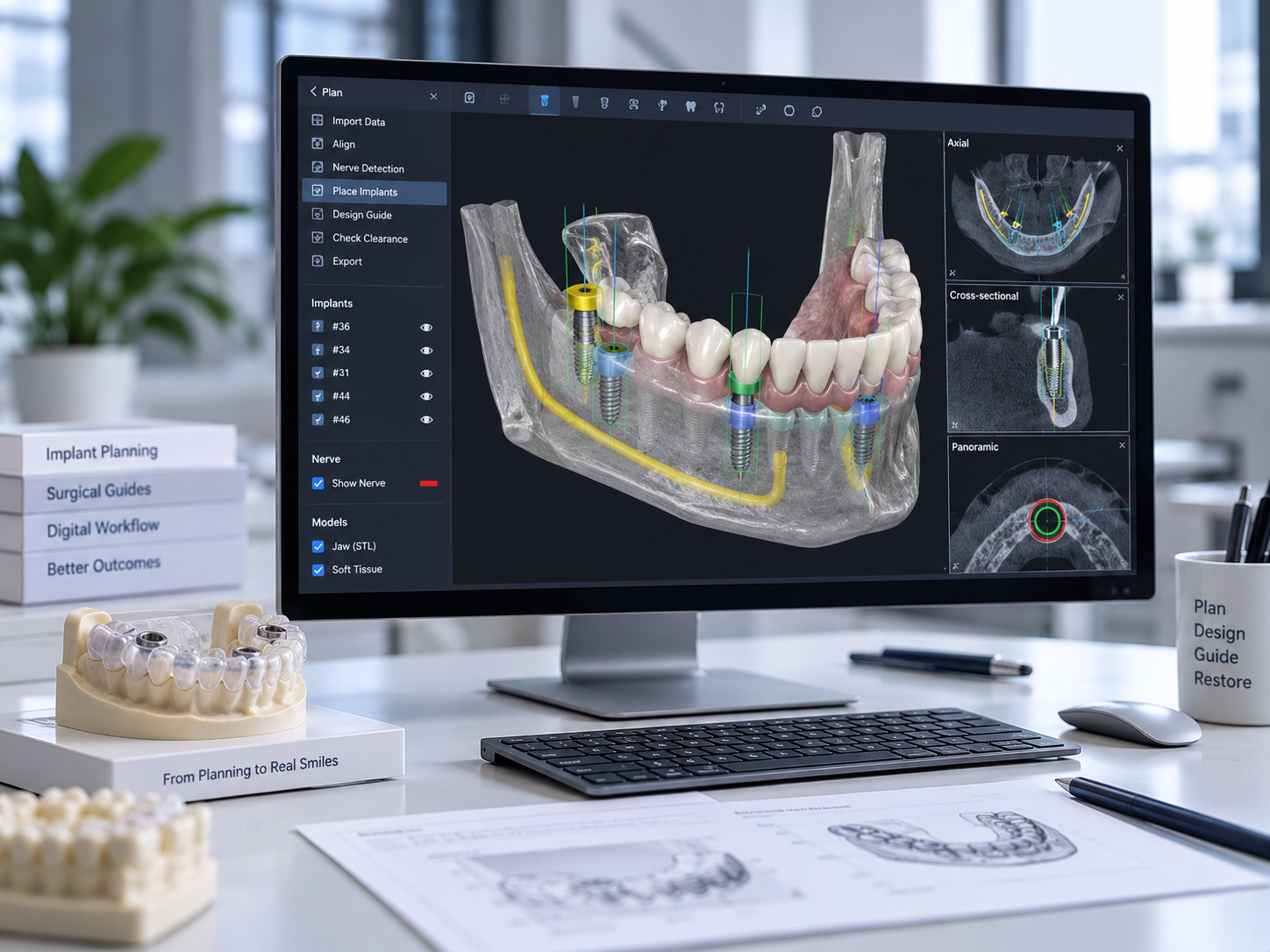
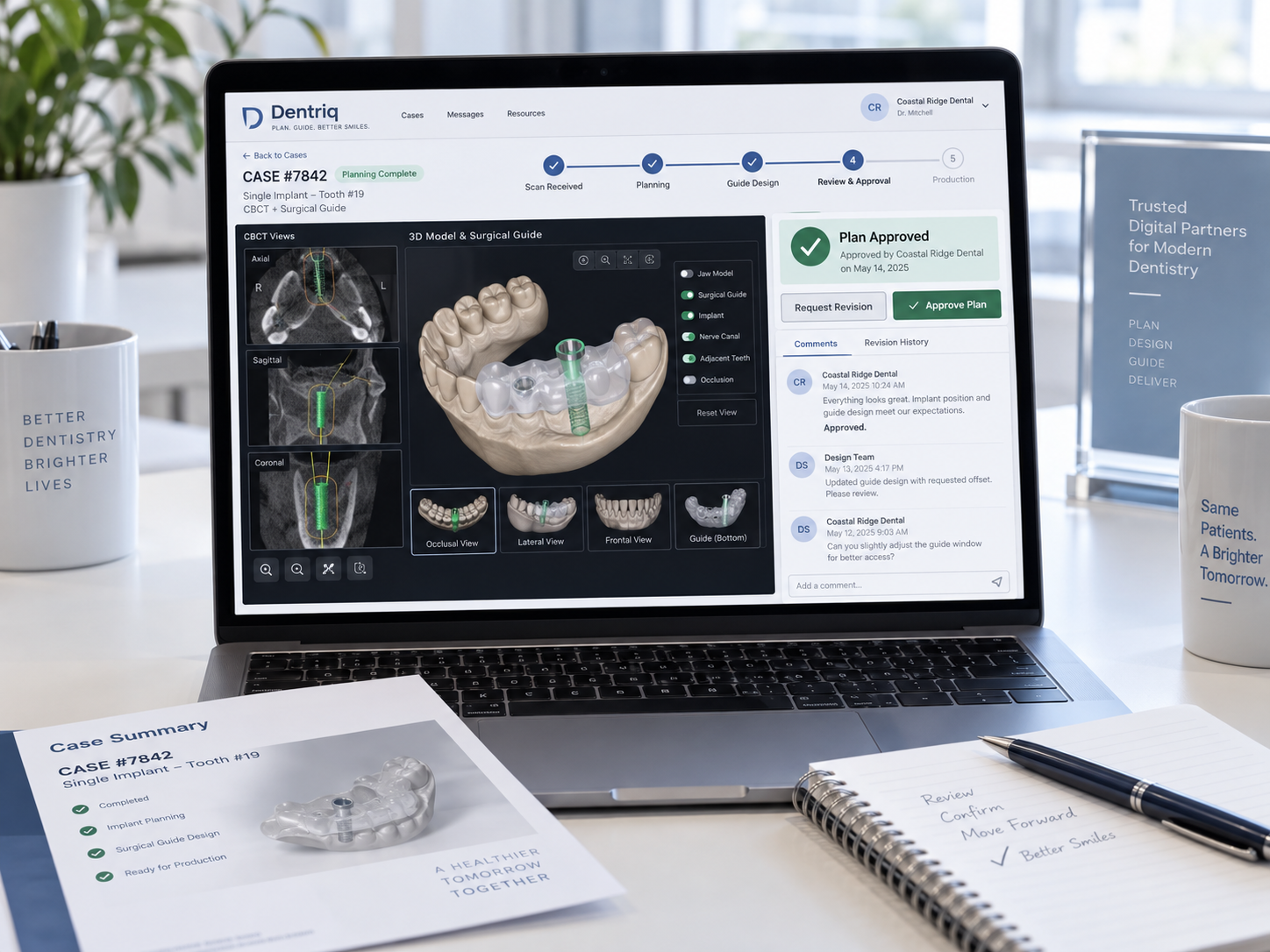
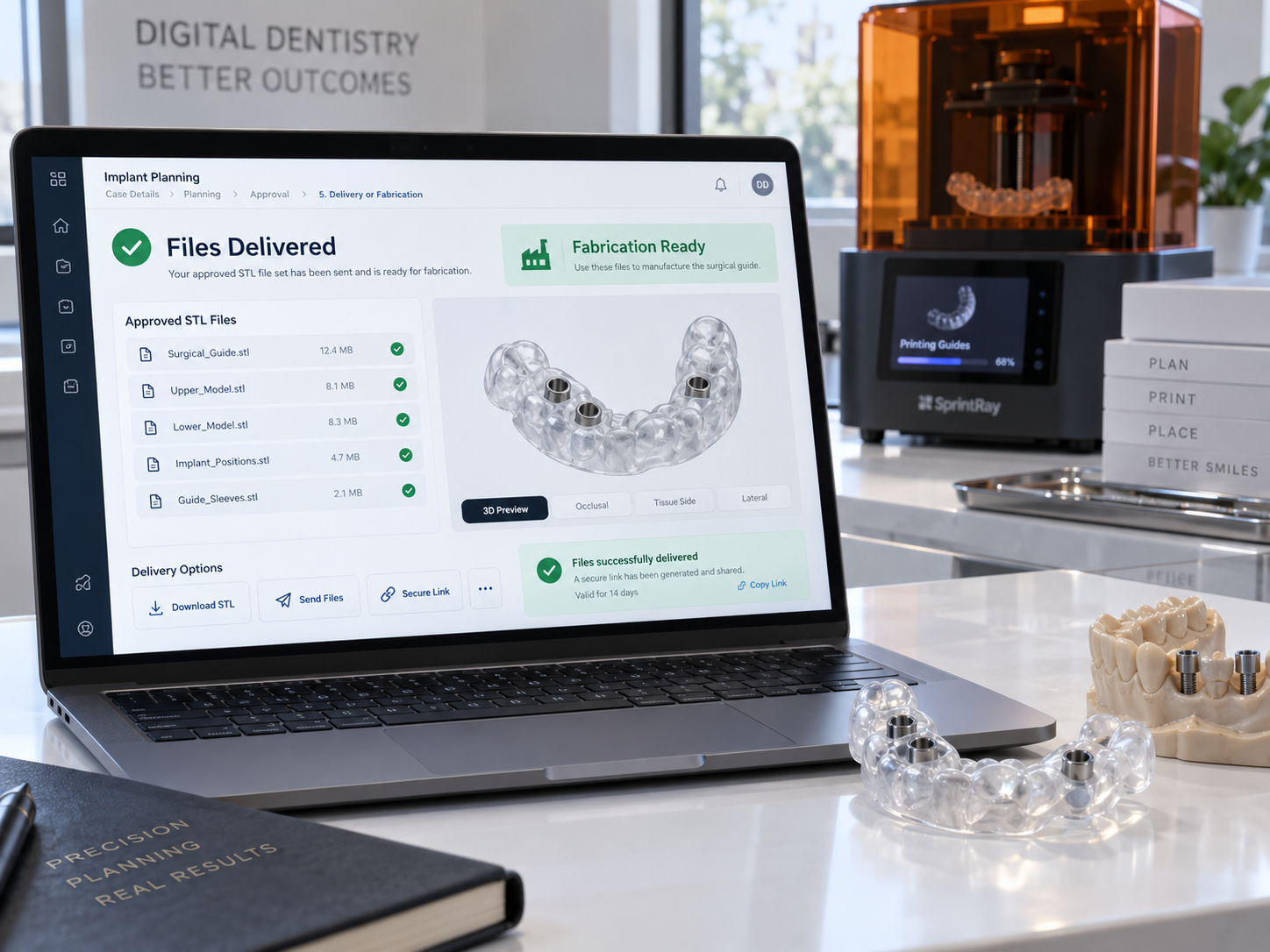
Technical answers covering implant abutment configurations, exocad compatibility, screw-channel design, and CAD-to-milling requirements.
A Ti-base provides a prefabricated titanium interface for a separately fabricated restoration or mesostructure. A pre-milled blank has a factory-machined implant connection, while its upper portion is milled into a patient-specific abutment.
Both support customized restorative designs, but they require different component libraries and manufacturing workflows.
Angulated screw-channel design is available when the exocad configuration and selected implant library support it. The screw-channel direction can be adjusted within the permitted limits of the selected system.
The available angulation depends on the actual components and library specifications, not simply on the CAD software’s functionality.
The scan body must be matched to the correct implant system, connection, platform, and component library. Visual similarity alone is not sufficient to establish compatibility.
When the scan body cannot be reliably identified, the manufacturer’s component reference and corresponding CAD library should be verified before design continues.
An STL file contains the surface geometry, but it does not by itself establish the correct implant connection or manufacturing setup.
Some validated milling workflows accept STL files, while others require native CAD project data, component information, or additional CAM configuration. The required deliverables depend on the receiving manufacturing system.
When designing multiple custom abutments for a bridge, their insertion directions must be coordinated with the intended prosthesis.
In exocad, a unified insertion direction can be used to align the abutments for the planned restoration, subject to the implant positions, restorative space, and applicable design constraints.
Custom abutment CAD design outsourcing allows dental labs to expand their implant design capacity without changing their existing manufacturing workflows. Raytops provides standalone custom abutment design and coordinated abutment-and-crown design, with the option of CAD-only delivery or complete fabrication.
Reliable outsourcing depends on accurate implant component identification, restorative design decisions, and compatibility with the intended manufacturing process. At Raytops, designs follow each lab’s confirmed instructions and preferences, with a separate QC review before delivery. Standard turnaround is 12–24 hours for cases ready for design, while 2–6-hour rush service is available depending on case requirements and scheduling.
Raytops supports dental labs requiring additional CAD design capacity, whether for individual implant restorations or recurring case volumes. The service can cover custom abutment design alone or coordinated abutment-and-crown design, with deliverables arranged around the lab’s existing restorative and manufacturing workflow.
The appropriate design scope depends on how the lab plans to complete the final restoration.
| Design Scope | CAD Design Requirements |
|---|---|
| Custom Abutment Only | Design the abutment according to the implant components, emergence profile, margin position, restorative space, and confirmed Rx. Crown design is handled separately. |
| Abutment-and-Crown Design | Design the abutment and crown together, coordinating their geometry, margins, restorative space, and overall restoration requirements. |
Labs with established crown design workflows can outsource only the custom abutment. Coordinated abutment-and-crown design is available when both components need to be developed together to meet the planned restorative requirements.
Raytops provides CAD design as a standalone service and can also combine design with physical fabrication.
For CAD-only orders, the lab retains its existing manufacturing arrangements, while Raytops prepares the agreed design files and supporting information for the intended workflow. The receiving lab or milling partner handles the subsequent fabrication process.
When both design and fabrication are required, Raytops can manufacture the custom abutment and associated restoration according to the confirmed case requirements.
In either arrangement, the design scope, approval requirements, and manufacturing responsibilities should be established before work begins. CAD review does not replace the physical fit and quality checks required during fabrication.
Reliable custom abutment CAD design starts with accurate implant identification and sufficient case information. An implant brand or CAD software name alone does not establish compatibility. The implant platform, scan body, CAD library, and intended abutment components must match the actual case requirements.
Checking these details before design begins helps prevent component mismatches, unnecessary revisions, and delays caused by incomplete instructions.
The same implant manufacturer may offer several platforms and connection types requiring different components and library configurations. The scan body used during scanning must correspond to the correct implant platform and CAD library.
Compatibility should be checked at the component level:
Successful scan import into CAD software does not confirm that the selected library or implant components are correct. Component compatibility must be verified separately.
At Raytops, compatibility is reviewed against the implant and component information provided for each case. When a particular platform, scan body, or library combination cannot be confirmed, the relevant references must be clarified before proceeding with the affected design work.
Complete case information allows the CAD designer to evaluate implant position, surrounding anatomy, and the intended restoration without making unnecessary assumptions.
A typical custom abutment CAD case requires:
Requirements vary by case. Existing CAD projects, reference designs, or previously approved design preferences can also help maintain consistency across recurring orders.
At Raytops, incoming cases are reviewed for scan completeness, implant platform and scan body compatibility, CAD library information, restorative instructions, and relevant manufacturing requirements.
Cases with complete and consistent information proceed to CAD design. When critical details are missing or conflicting, the design team identifies the issue and requests clarification before the affected design decisions are finalized.
For example, if the scan body reference does not match the stated implant platform, the correct component or library must be confirmed rather than selected by assumption. Similarly, insufficient scan data may require corrected information before design can proceed reliably.
Turnaround is confirmed once the required case information is complete and ready for design. Any clarification affecting delivery is communicated to the lab.
Custom abutment design must account for implant position, surrounding soft tissue, available restorative space, and the intended restoration. These requirements are interdependent: an adjustment that improves one aspect of the design may introduce limitations elsewhere.
For outsourced cases, the designer must recognize these constraints, determine which adjustments remain within the agreed requirements, and identify decisions that need further confirmation.
The emergence profile defines the transition from the implant connection toward the cervical contour of the restoration. Its geometry is influenced by implant depth, angulation, surrounding soft tissue, and the intended crown shape.
Margin position must be considered alongside the emergence profile. For cement-retained restorations, the margin needs to provide a suitable finish line while allowing practical access for crown seating and excess cement removal.
Placing the margin too deeply may make cement removal more difficult, while soft tissue contours and restorative requirements may limit the available margin position.
When the desired emergence profile conflicts with an appropriate margin location, both requirements need to be evaluated together. Adjustments may be possible within the restorative constraints, but changes affecting the prescribed restoration must be confirmed before the design is finalized.
Available restorative space determines how much room can be allocated to the abutment and its planned crown. Limited occlusal clearance, implant angulation, material thickness requirements, and component geometry can restrict the feasible design.
Insufficient space may prevent the selected restorative material and abutment configuration from meeting their requirements. Reducing material thickness below the specified limits is not an appropriate solution.
Implant angulation can also affect screw-channel access. Ti-base and pre-milled blank specifications introduce additional geometric constraints, while angulated screw-channel options depend on the compatibility and limitations of the selected system.
When these requirements cannot be satisfied simultaneously, the designer should identify the specific limitation and evaluate feasible alternatives. Changes to restorative materials, implant components, or the prescribed restoration may require confirmation from the dental lab or clinician before proceeding.
A completed CAD design must be usable within the lab’s intended manufacturing process. File format alone does not establish manufacturing readiness; the design geometry, implant components, and fabrication requirements must also be compatible.
Raytops prepares CAD design files for labs using their own manufacturing facilities or external milling partners. The required delivery package is confirmed according to the receiving workflow.
Different manufacturing workflows require different design files. STL files provide 3D surface geometry, while native CAD projects may preserve additional information needed for review, modification, or further processing.
Depending on the agreed workflow, deliverables may include:
| Deliverable | Purpose |
|---|---|
| STL Files | Final 3D geometry of the custom abutment and associated crown, where applicable, for compatible downstream workflows. |
| Native CAD Project Files | Editable design data and project information, subject to the CAD system, software version, and associated libraries. |
| Supporting Design Information | Relevant implant component references, design previews, and technical information required for review or manufacturing handoff. |
The exact file package depends on the receiving lab’s software, manufacturing equipment, selected components, and requirements for further modification.
An STL file does not preserve the complete editable CAD project or guarantee compatibility with a particular milling system. Native CAD projects may also require matching software versions and component libraries.
Manufacturing compatibility depends on the approved design, selected components, materials, and fabrication method.
For example, a custom abutment designed around a particular Ti-base or pre-milled blank must follow its relevant component geometry and manufacturing specifications. Changes to the component or manufacturing system may require further design adjustments.
For CAD-only orders, Raytops prepares the agreed design files and supporting information. The receiving lab or manufacturing partner remains responsible for confirming compatibility with its actual equipment, materials, and fabrication procedures, including the necessary physical fit and quality checks.
When Raytops also handles fabrication, the corresponding manufacturing requirements and validation are managed within the combined workflow.
Clear responsibility for each stage reduces the risk of incompatible components, file-processing problems, and redesign after CAD approval.
Outsourced custom abutment design requires clear instructions, defined review responsibilities, and reliable version control. Routine cases should proceed efficiently under agreed standards, while changes affecting important restorative or manufacturing decisions must remain subject to confirmation.
Raytops manages each case through its original instructions, internal technical review, revision records, and final file handoff.
Each case is organized under a unique Case ID, with the original scans, Rx, implant component information, and design requirements kept together.
Designers follow the confirmed Rx, component specifications, and lab-specific preferences. Completed designs undergo internal technical review before release.
Approval arrangements can be adapted to the lab’s workflow. Some labs prefer to review each design before final delivery, while others authorize routine cases to proceed under previously agreed standards.
Changes affecting the prescribed restoration, component selection, or manufacturing requirements are referred to the lab for confirmation. This allows routine design work to proceed without unnecessary approval requests while keeping important decisions under the lab’s control.
Raytops distinguishes between corrections to the originally agreed design and requests that introduce new requirements.
| Situation | Raytops Revision Policy |
|---|---|
| Design Corrections | If the CAD design does not meet the originally confirmed Rx or design specifications, corrections are provided free of charge. |
| Case Clarifications | Missing information or conflicting instructions are clarified before the affected design decisions are finalized. |
| New Design Requirements | Requests that differ from the originally agreed requirements are treated as a new case rather than a free revision. |
These distinctions help establish clear responsibilities for design corrections, additional work, and related delivery expectations.
Design revisions are linked to the original Case ID, with successive versions identified as V1, V2, and so on. The case record retains the relevant instructions, requested changes, and design versions.
Following the required review or approval, the final version is identified for delivery. STL files, native CAD projects, and supporting information are provided according to the agreed workflow, with applicable files corresponding to the same finalized design.
This makes design changes traceable and reduces the risk of outdated files entering fabrication, particularly when CAD design and physical manufacturing are handled by separate teams.
A successful first design establishes initial technical confidence. For dental labs outsourcing regularly, the longer-term requirement is consistent design quality, predictable turnaround, and the ability to handle different case requirements without repeated clarification or excessive supervision.
Raytops supports repeatability through case-level QC, documented lab preferences, and coordinated design capacity.
At Raytops, designers follow the confirmed Rx and each dental lab’s established design preferences when developing custom abutment CAD designs.
Once a design is completed, the QC team conducts a second review against the original instructions and agreed design requirements before final delivery. This separate technical check helps identify discrepancies and maintain consistency across cases.
Raytops typically completes custom abutment CAD designs within 12–24 hours, with 2–6-hour rush service available depending on case complexity and scheduling.
Turnaround begins once the required scans, implant information, and restorative instructions are complete and confirmed. Missing information, incompatible components, or changes to the original Rx may require clarification and adjustments to the delivery schedule.
With more than 60 designers, Raytops has additional design resources available to accommodate increasing case volumes. For larger or recurring orders, capacity and delivery schedules can be coordinated in advance.
When technical issues or unexpected delays arise, the affected cases are communicated promptly, with revised delivery arrangements confirmed as needed.
Each dental lab’s specific design preferences are documented and shared among Raytops designers. These may include margin placement, emergence profile, crown contours, and other restorative requirements.
The design team applies these preferences across subsequent orders while accommodating the individual technical and restorative conditions of each case. This reduces the need to repeat routine instructions and helps maintain consistency as case volumes increase.
Choosing an outsourcing partner involves more than confirming that an individual CAD design can be completed. Technical compatibility, revision terms, delivery reliability, and the amount of ongoing management required all affect the practical value of cooperation.
A representative trial provides a useful starting point, but the supplier’s suitability for regular outsourcing becomes clearer through consistent performance across different case requirements.
Before starting cooperation, confirm that the supplier can work with the actual implant platforms, scan bodies, CAD libraries, restorative designs, and manufacturing requirements used by the lab.
The evaluation should also establish who reviews completed designs, which changes require approval, how revisions are handled, and whether the final files can enter the intended manufacturing workflow.
For Raytops, these requirements can be reviewed using a representative case before regular orders begin.
CAD design fees are only one part of outsourcing cost. Internal review time, repeated clarification, unnecessary corrections, and delivery delays can reduce the savings expected from a lower design price.
A useful supplier comparison should therefore consider the agreed design scope, revision policy, turnaround conditions, and daily management requirements.
Raytops provides free corrections for designs that do not meet the originally confirmed requirements, while changes outside the agreed scope are handled as new cases. Pricing and service conditions can be confirmed according to the intended case types and order volume.
Confidentiality, case data handling, and customer relationship protection should also be addressed in the cooperation arrangements.
A representative trial should reflect the lab’s actual implant systems, restorative requirements, and manufacturing workflow rather than an unusually simple demonstration case.
The initial evaluation should cover component compatibility, design accuracy, communication, revision handling, and the usability of delivered files. Where appropriate, an additional case with different restorative constraints can help assess how consistently the design team handles variations.
To begin with Raytops, the lab can submit a custom abutment case with its available scans, implant and scan body information, restorative instructions, and intended manufacturing requirements.
The design team can then review the case information, confirm the appropriate scope, and establish the delivery conditions before proceeding.
A successful trial establishes initial technical fit. Consistency across subsequent cases provides a stronger basis for deciding whether the partnership can support ongoing design requirements.
A dependable custom abutment CAD outsourcing partner should deliver designs that fit the lab’s actual restorative and manufacturing requirements, with clear responsibilities for review, revisions, and final handoff. The value of that partnership becomes clearer through representative cases and consistent performance over time.
A practical starting point is a case that reflects the lab’s existing implant system, restorative requirements, and manufacturing workflow. Raytops can review the case information, confirm the appropriate design scope, and establish the delivery requirements before proceeding.
Send us your requirements and our technical team will reply with a practical recommendation.